Inventory and stock
Track every supply item, from brackets and wires to composites, burs, files, and gutta-percha, with low-stock alerts and movement logs.
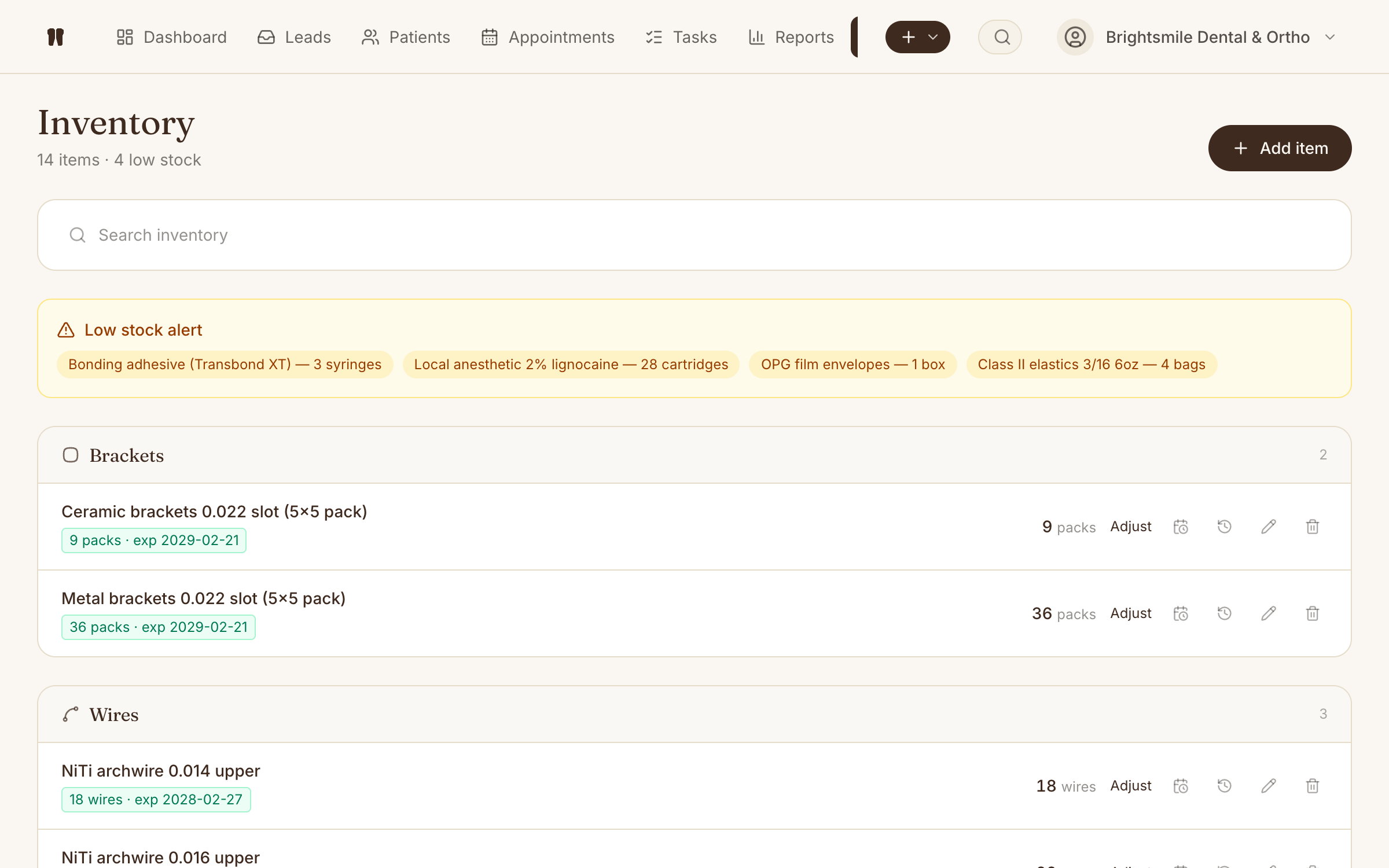
Kythro's inventory module tracks every supply item with quantity on hand, reorder threshold, and a complete movement log of receipts, usage, and adjustments. Categories are organised per specialty (brackets and wires for ortho, composites and matrices for restorative, files and rubber dam for endo, scaler tips for perio, and so on), and stock is decremented automatically when an appointment kit is consumed.
The problem this removes
Running out of brackets, composites, or RCT files mid-appointment, or paying for stock that quietly walked out the back door.
How Inventory works in Kythro
- •Item master with reorder threshold
- •Categories per specialty: enable ortho, restorative, endo, perio, hygiene, pedo, pros, or oral surgery and inventory categories follow
- •Receipts, issues, and adjustments with reason codes
- •Auto-decrement when an appointment kit is consumed
- •Movement log per item, per clinic
- •Low-stock dashboard alerts
Questions about Inventory
Does inventory deduct automatically?
Yes. When an appointment uses an attached kit, the kit's items are deducted from inventory at the right quantities. Manual adjustments are also possible with reason codes.
Can each clinic location have its own stock?
Yes. Inventory is scoped per clinic, so a multi-location group sees stock per location with no double counting.
Related features
Ready to run inventory on Kythro?
Start a free 30 day trial. No credit card required.