Patient recall queue
Active patients with no upcoming visit, sorted by the longest gap first.
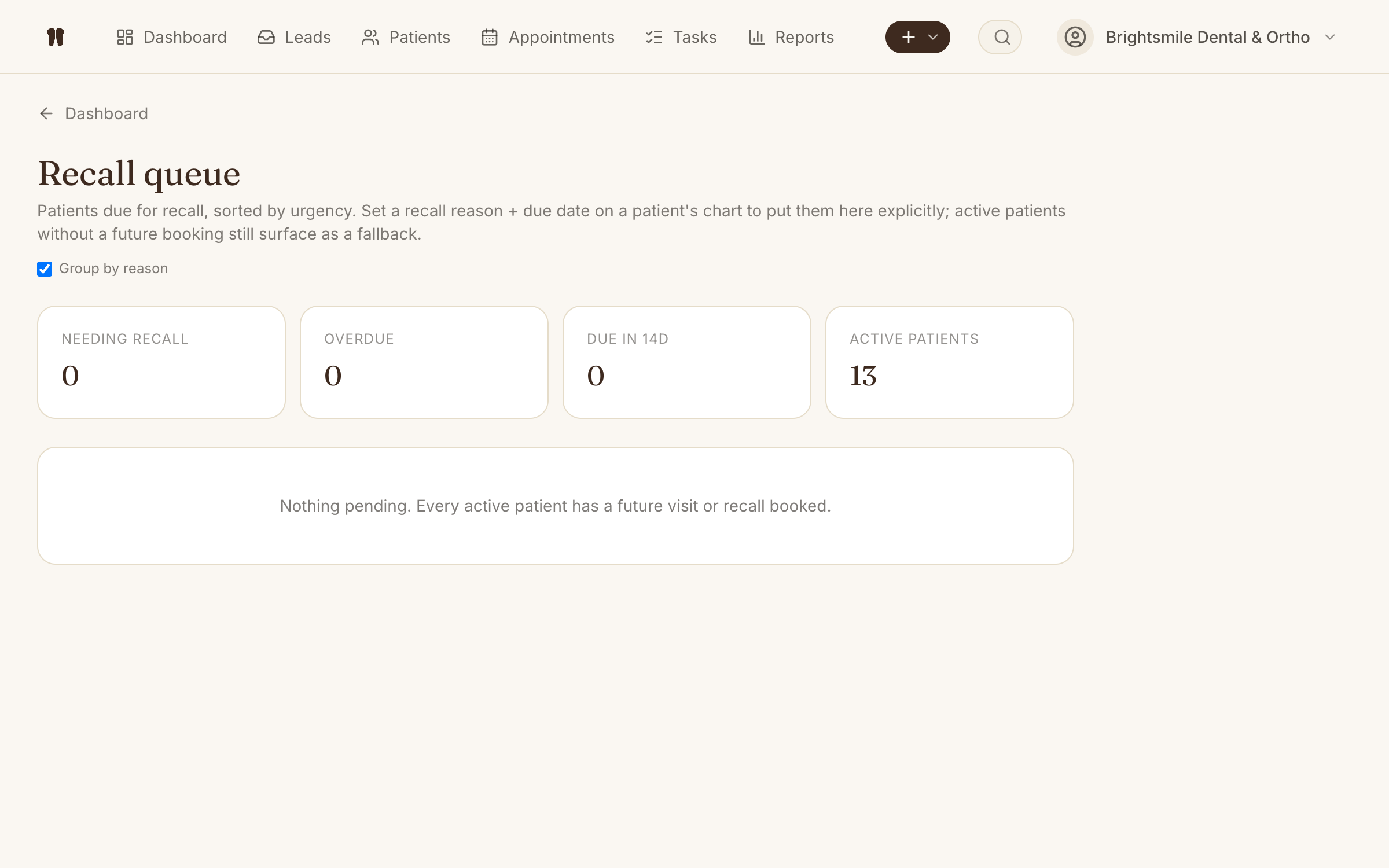
Kythro's recall queue lists every active patient who does not have a future appointment booked, sorted by last-visit age so the patients most at risk of dropping off show up first. Each row has a call-the-patient button and a one-click schedule action, with overdue badges flagging anyone past six weeks since their last visit.
The problem this removes
Patients who finish a visit without re-booking quietly disappear, and there is no list to work from when the front desk has a free hour.
How Recall works in Kythro
- •Active patients without an upcoming visit, oldest gap first
- •Last-visit date and days-since-visit on every row
- •Overdue badge for patients more than six weeks since last visit
- •One-click call (tel: link) and Schedule actions per row
- •Recall count on the dashboard with a link to the full queue
- •No new index needed - reuses the existing appointments index
Questions about Recall
What is the patient recall queue?
A worklist of active patients who do not have a future appointment booked. Kythro sorts them by the date of their last visit so the patients with the longest gap show first. This is the morning list the front desk works through when they have time to chase recalls.
How does Kythro decide a patient needs recall?
Any patient whose status is active and who has no booked or checked-in appointment from today forward shows up in the queue. Cancelled and no-show appointments do not count as a future visit.
What counts as overdue?
By default, patients whose last visit was more than six weeks ago get an overdue badge. Six weeks fits most clinical cadences (ortho adjustments, hygiene recalls, post-RCT reviews); the cadence can be tuned per clinic.
Where do I see the recall queue?
The dashboard shows a recall count card with the current number. Click it, or open /recall directly, to see the full worklist with call and Schedule buttons on each row.
Related features
Patient records
A complete digital chart for every patient, accessible from anywhere.
Appointment scheduling
Book, reschedule, and track every appointment with status at a glance.
WhatsApp messaging
Send appointment reminders, follow-ups, and lead replies via the WhatsApp Cloud API.
Dashboard and KPIs
Today, tomorrow, leads, revenue, recall queue, and conversion in one screen.
Ready to run recall on Kythro?
Start a free 30 day trial. No credit card required.